
Process automation: faster, with more control
We automate repetitive business processes: data entry between tools, follow-ups, document filing, signature workflows. We work with n8n, Power Automate and Power Apps, depending on your environment. AI speeds up how we build, document and test each flow, which reduces lead times and cost. Every flow is reviewed, tested and protected by safeguards before it goes live, then its use and the time saved are measured. Your teams are trained along the way and can then build their own.
Automating repetitive tasks
Copying data from one tool to another, chasing replies, filing, getting documents signed: these tasks come back every week, take time, cause errors and often depend on a few people.
This offer is for companies that have identified them and want to automate them.
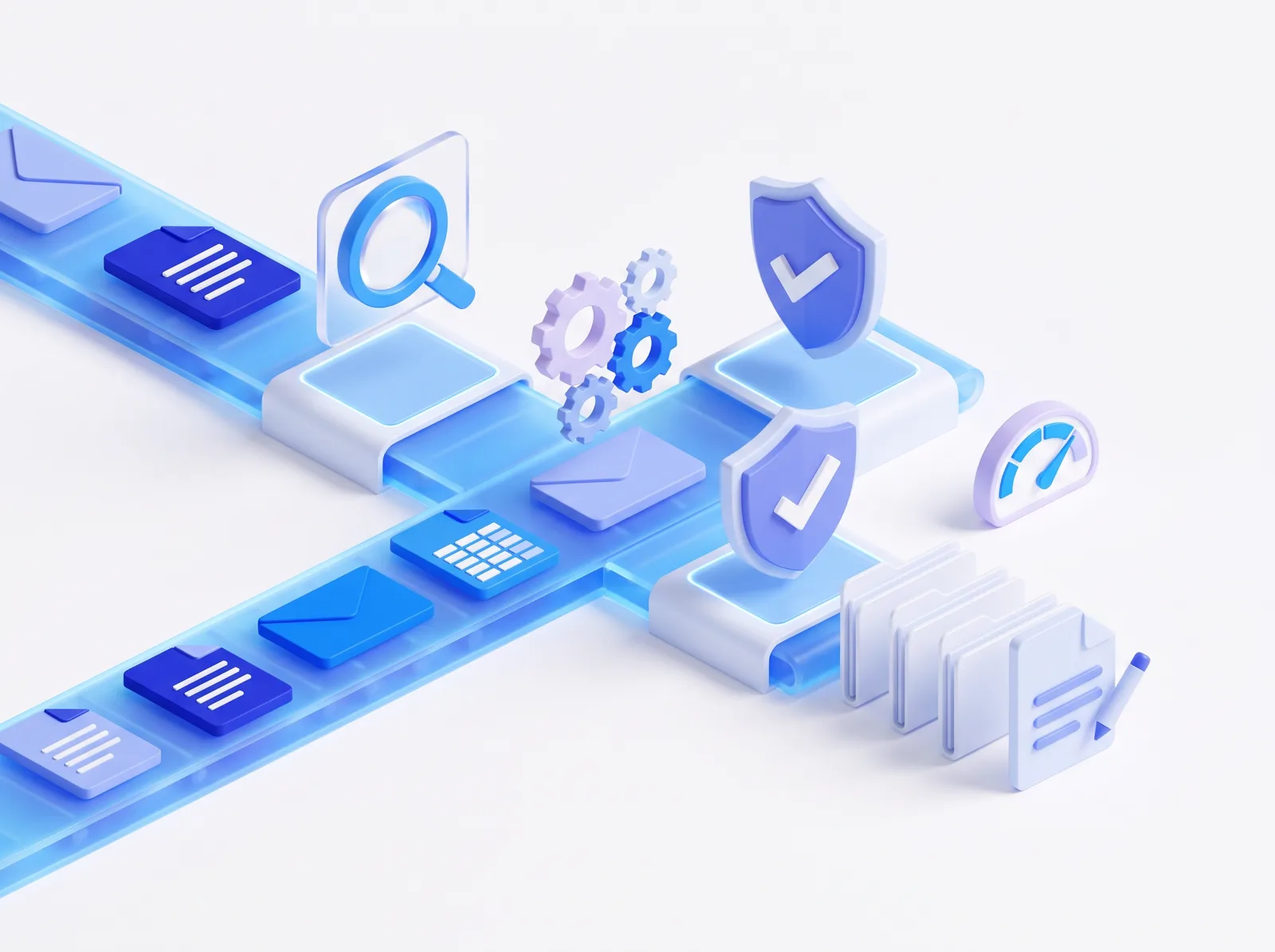
Four steps, from today's process to a measured gain
Analysis
We talk to the people who run the process and map it: steps, tools, volumes, exceptions.
Assessment
Desk work: feasibility, choice of tool, risks, expected gain, order of priority. You know what will be automated before we start.
Implementation
AI-accelerated build, review, testing, checks and safeguards suited to each flow, go-live and documentation. Your teams build with us.
Monitoring and control
Measurement points track the use of each flow and the time saved. The gain is observed, not assumed.
Faster than before, more complete, and fully under control
Faster, more complete
AI builds, documents and tests a large part of the flows and interfaces. Every flow is delivered documented, tested and measured, in less time and at lower cost. Design, review and decisions remain ours.
Fully under control
Nothing goes live without review and testing. Every flow has its own checks and safeguards.
In your environment
Self-hosted n8n or Power Platform in your Microsoft tenant, depending on your setup.
Autonomous teams
They learn on their own cases, by building with us. To go further: our AI training.
At Kyos, a Geneva cybersecurity company, more than 350 processes have been automated, with n8n among other tools, by technical teams trained to automate their own tasks.
Read the Kyos case studyWhat we automate most often
Signature workflows
Sending, reminders, tracking and archiving of documents to sign, with metadata extraction (parties, dates, amounts). With Power Automate and Power Apps, integrated with Adobe Sign or other common e-signature solutions.
Follow-ups that are never forgotten
Emails left unanswered are detected and the follow-up goes out at the right time.
The librarian
Incoming documents (invoices, contracts, CVs) are filed automatically in the right place, with the right name.
Data entry between tools
Data moves from one tool to another (CRM, ERP, Excel, SharePoint) without retyping.
An interface to steer
When a flow needs an approval or a follow-up, a small Power Apps application, also built with AI.
Before you start
Do we need to know exactly what to automate?
Which tools do you use?
How do you prevent an automation from making mistakes?
Will our teams be able to maintain the flows?
Is a process taking too much of your time?
Describe it to us in 30 minutes: we will tell you what can be automated, and how.
Discuss your process